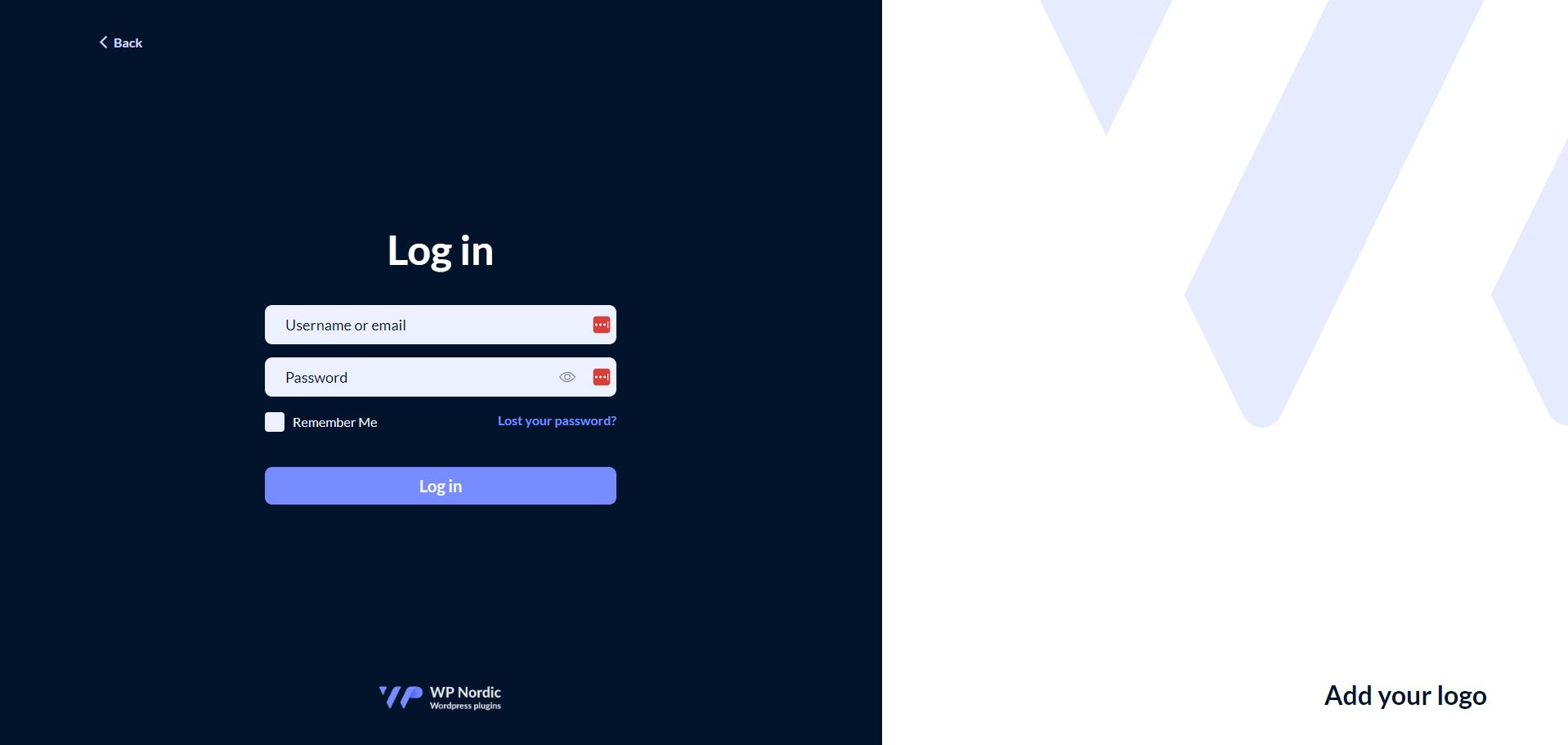
WPNordic Login Designer gives you full control over your WordPress login page. Customize the design, add your own branding, set up role-based redirects, and protect your login with Google reCAPTCHA — all from an intuitive admin interface. Now available directly from the WordPress Plugin Directory.
Enhance your sign-in experience with WPNordic Login Designer. Choose between dark and light themes, single or two-column layouts, and add your own background image and logo to make a lasting first impression. Beyond design, the plugin gives you role-based redirects, logout redirects, and Google reCAPTCHA protection — so your login page isn’t just better looking, it’s more secure too.
Everything you need to make the login page your own — and keep it secure.
Custom login page design
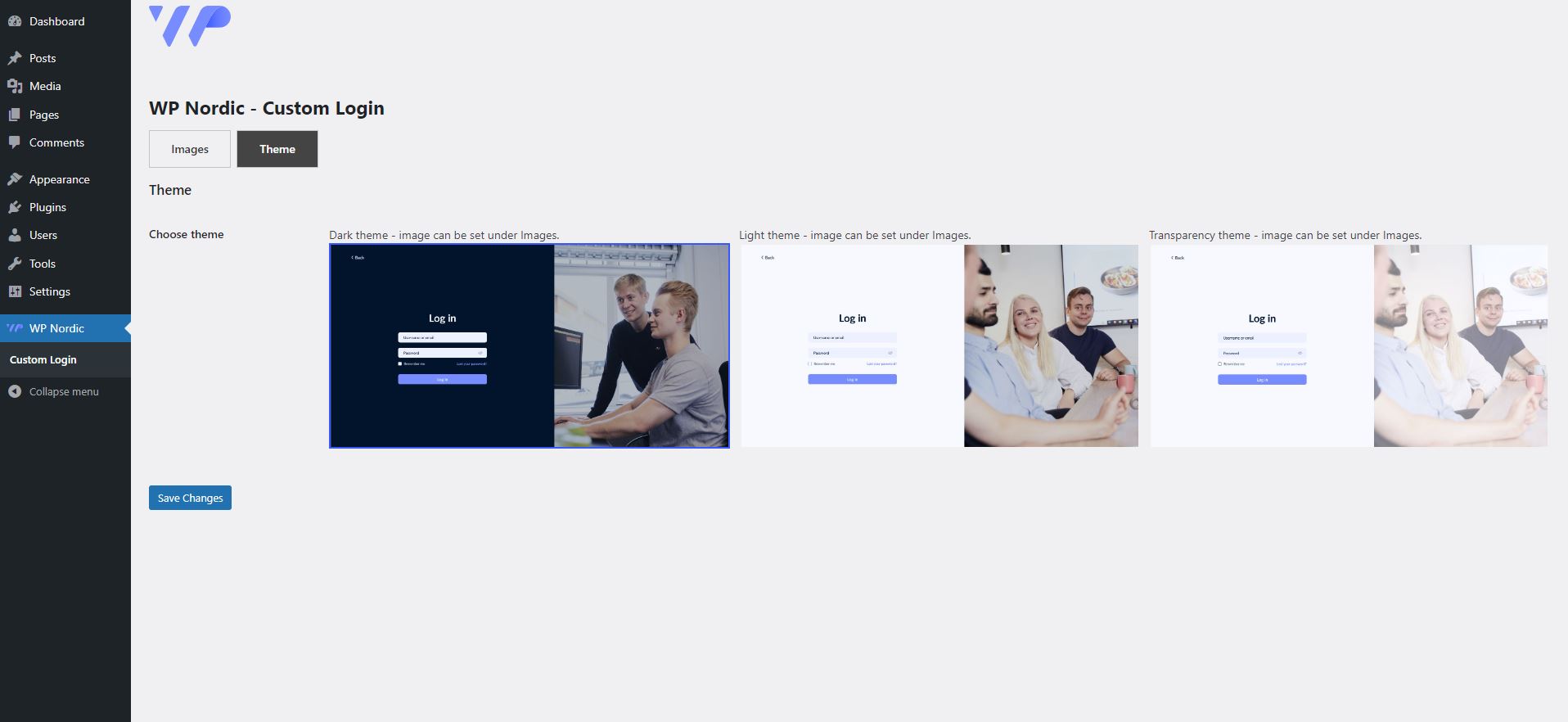
Choose between dark and light themes with single or two-column layouts.
Multisite support
Fully compatible with WordPress multisite installations.
Google reCAPTCHA
Protect your login page with reCAPTCHA v2 (checkbox or invisible) or reCAPTCHA v3.
Role-based redirects
Redirect users to specific pages after login based on their user role (administrator, editor, author, contributor, subscriber, shop_manager, customer, and custom roles).
Logout redirect
Set a custom redirect URL for when users log out.
2FA compatible
Works seamlessly with two-factor authentication plugins such as Wordfence.
100% free — now on WordPress.org
Let your users log in completely free.
Free
$0
Full login page design customization (dark/light theme, 1 or 2 columns)
Custom branding and background images
Make the login page truly yours with your brand colors
Take a look at how our plugin works from behind the scenes.
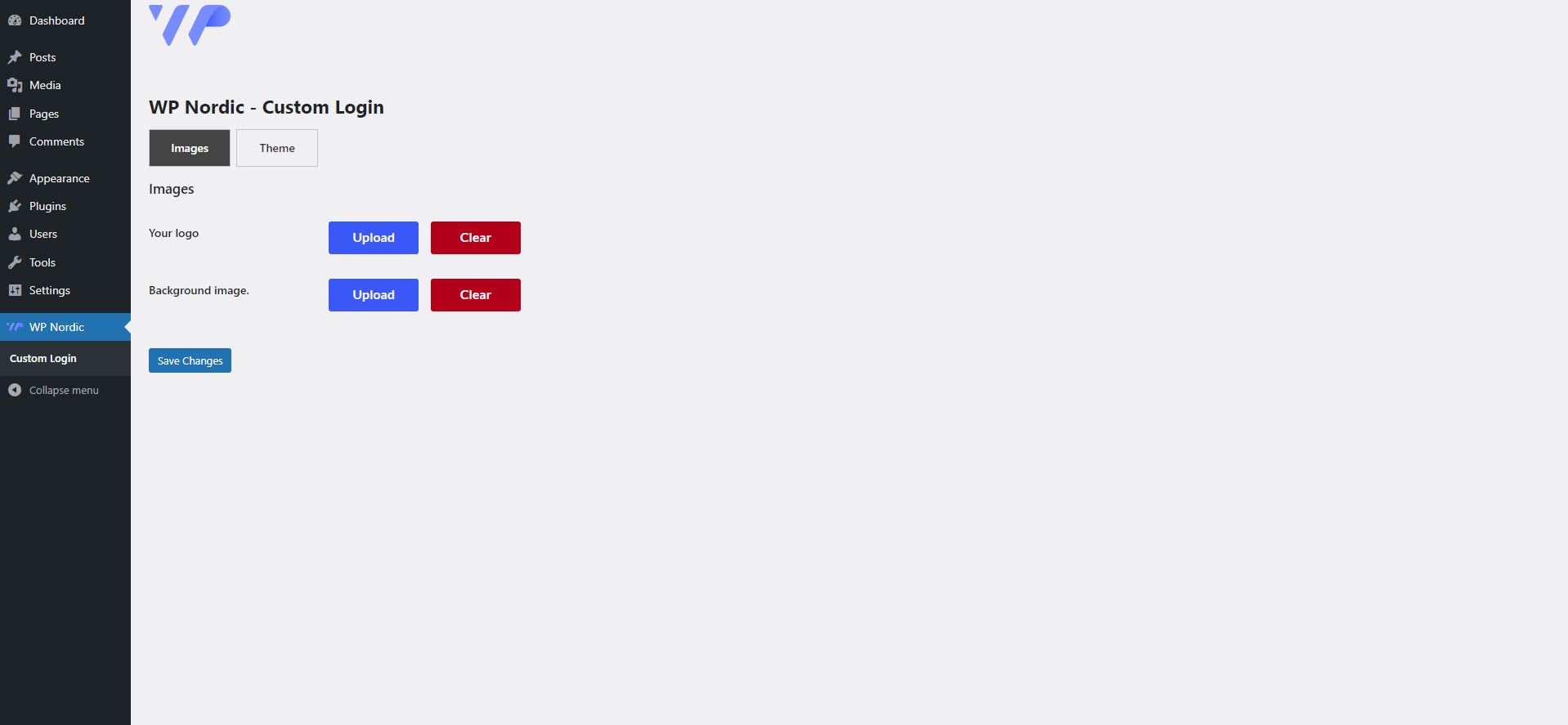
Add your logo, images or name to customize your log in page.
Pick a theme that fits best with your aesthetic.
Let your users log in with a log in page that fits perfectly with your brand and message.
How does it work?
WP Nordic provides a suite of WordPress plugins to enhance your website’s functionality, helping you concentrate on your business goals, projects, and daily tasks.
Head to the plugin’s settings to configure design, redirects, and reCAPTCHA.
Prefer a manual install? You can still download the zip file from WordPress.org and upload it under Plugins → Add New → Upload Plugin.
How do role-based redirects work?
You can set an individual redirect URL for each user role on your site — for example, sending customers straight to their “My Account” page and editors to the dashboard. Supports both default WordPress roles (administrator, editor, author, contributor, subscriber) and WooCommerce roles (shop_manager, customer), as well as any custom roles.
Can I also redirect users on logout?
Yes. In the plugin settings, you can set a custom redirect URL that users are sent to when they log out — for example, back to the homepage or a “thank you for visiting” page.
How do I set up Google reCAPTCHA?
You’ll need a set of Google reCAPTCHA keys (site key and secret key), which you can create for free through Google. Choose between reCAPTCHA v2 (checkbox or invisible verification) or v3 (score-based, with no action required from the user). Then paste the keys into the plugin settings to enable protection.
Does it work with 2FA plugins?
Yes, WPNordic Login Designer is tested alongside popular two-factor authentication plugins such as Wordfence, and doesn’t interfere with the 2FA flow — it simply adds a better-looking design around it.
Can I customize the login page design?
Yes. Choose between premade themes or a fully custom color theme. All of which allow either a single or two-column layout, adding your own background image and logo, and optionally removing the visible WPNordic branding for a fully white-labeled look.
For developers
The plugin exposes a filter hook that lets other plugins or themes programmatically change the logout redirect URL: